
Cart is empty
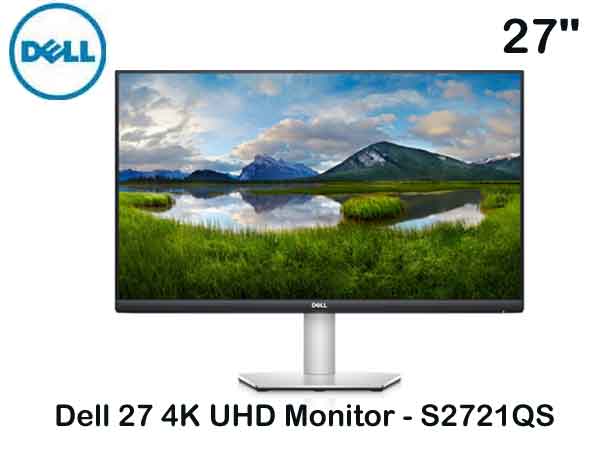
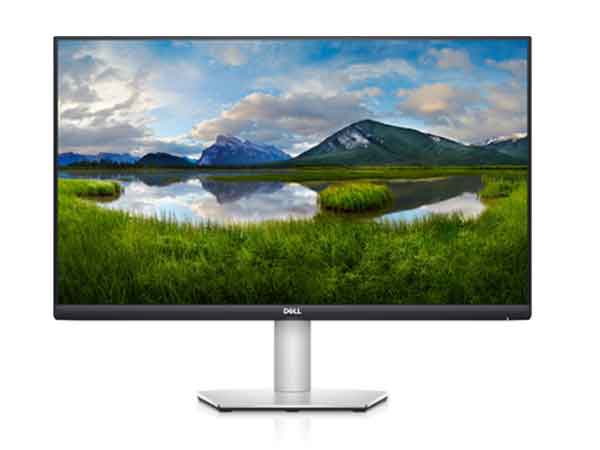
Monitor Dell 27"S2721QS 4K UHD (3Y)
Special Price LKR 0.00
Regular Price:
- Islandwide Delivery Available

Tech Specs
Device Type
White LED edgelight system
Panel Type
In-Plane switching Technology
Aspect Ratio
16:9
Native Resolution
3840 x 2160 @ 60 Hz
Pixel Pitch
0.1554 x 0.1554 mm
Brightness
350 cd/m²
Contrast Ratio
1,300:1 (typ)
Response Time
Normal: 8ms (gtg)
Fast: 5ms (gtg)
Extreme: 4ms (gtg)
Color Support
1.07 billion colors
Input Connectors
HDMI 2.0
DP1.2
Display Position Adjustments
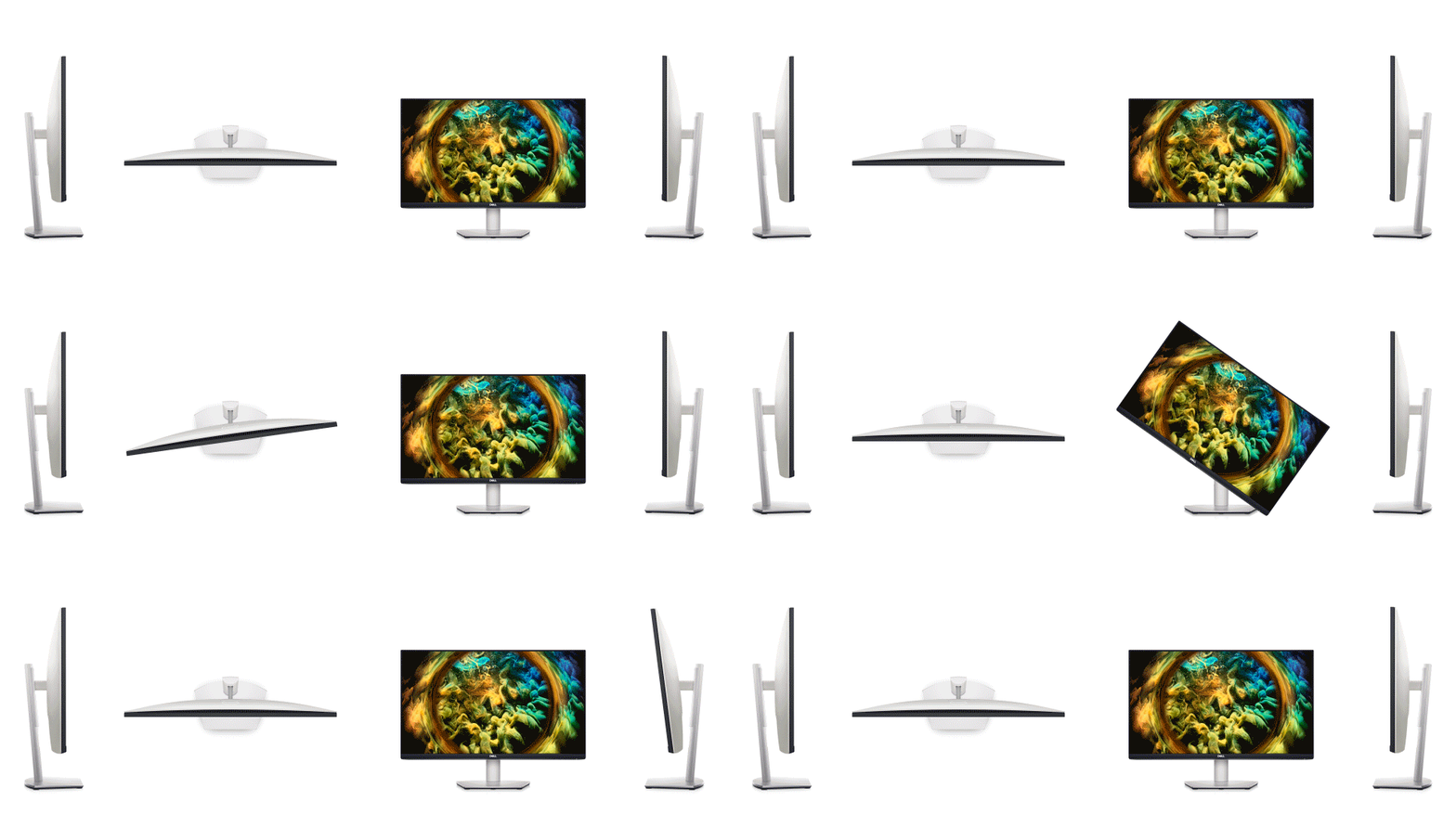
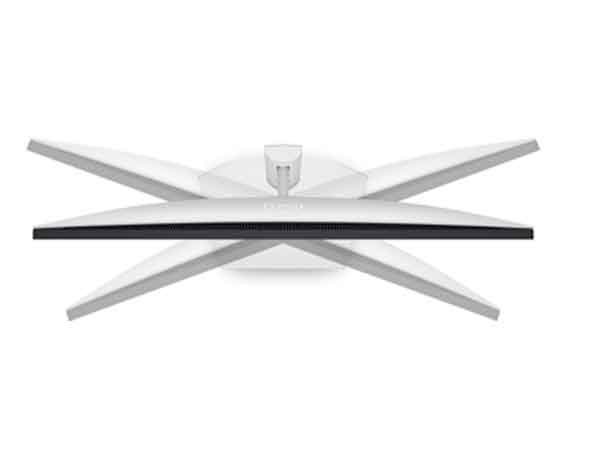
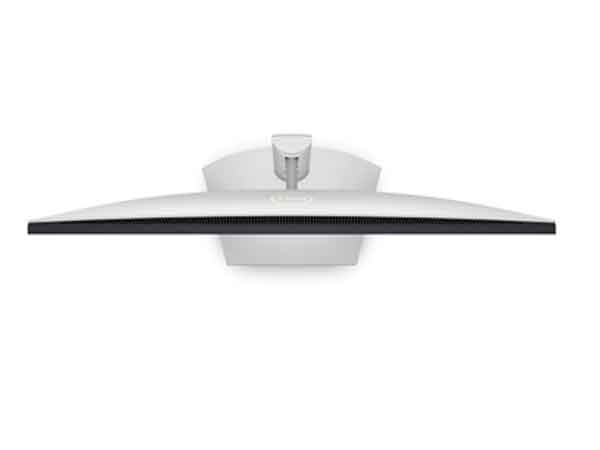
Swivel (Left and Right) (-30° to 30°)
Tilt -5° / 21°
Screen Coating
Anti-glare with 3H hardness
Dimensions (WxDxH) - with stand
24.08 inches x 6.88 inches x 15.75 inches
Compliant Standards
Energy Star Compliance (ES8.0)
TCO-certified display
Product Description
Dell 27 4K UHD Monitor - S2721QS
Diagonal Size
27 inches
Features
N/A
Weight
10.36 lbs
Adjust to your comfort
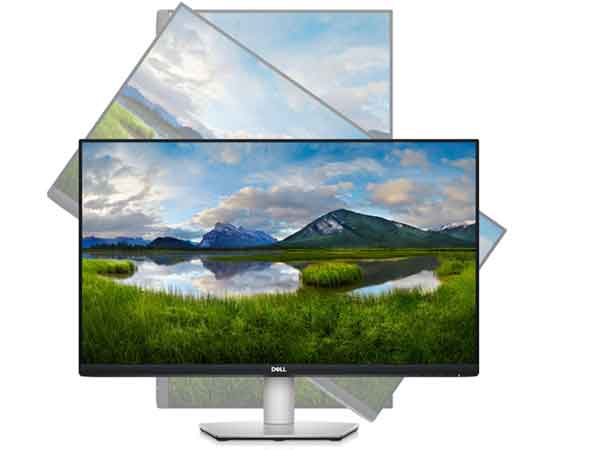
Pivot, tilt, swivel and adjust the height of your monitor for a comfortable setup all day long.



Connectivity Options
Ports & Slots
1. Security-lock slot | 2. Power connector | 3. HDMI 2.0 ports | 4. DisplayPort 1.2 | 5. Line-out port | 6. Speakers
Cables Included
1. Power Cable | 2. HDMI Cable
1. Security-lock slot | 2. Power connector | 3. HDMI 2.0 ports | 4. DisplayPort 1.2 | 5. Line-out port | 6. Speakers
Cables Included
1. Power Cable | 2. HDMI Cable
Entertainment elevated
A stunning view: The three-sided ultrathin bezel design in 4K UHD (3840 x 2160) resolution lets you enjoy immersive viewing in incredible clarity and fine detail with 4 times the resolution of Full HD. Supports HDR content playback for a more lifelike visual experience.
Brilliant from every angle: In-Plane Switching (IPS) technology together with 99% sRGB color coverage lets you see extraordinary colors across a wide viewing angle.
Leisure gaming: Smooth, tear-free experience with AMD FreeSync™ technology.
Engaging audio: Feel pulsating beats with built-in dual 3W speakers.
Easy on the eyes: This TÜV-certified monitor has a flicker-free screen with ComfortView, a feature that reduces harmful blue light emissions. It’s designed to optimize eye comfort even over extended viewing – like your next movie marathon.
Brilliant from every angle: In-Plane Switching (IPS) technology together with 99% sRGB color coverage lets you see extraordinary colors across a wide viewing angle.
Leisure gaming: Smooth, tear-free experience with AMD FreeSync™ technology.
Engaging audio: Feel pulsating beats with built-in dual 3W speakers.
Easy on the eyes: This TÜV-certified monitor has a flicker-free screen with ComfortView, a feature that reduces harmful blue light emissions. It’s designed to optimize eye comfort even over extended viewing – like your next movie marathon.
Designed to fit one lifestyle: yours
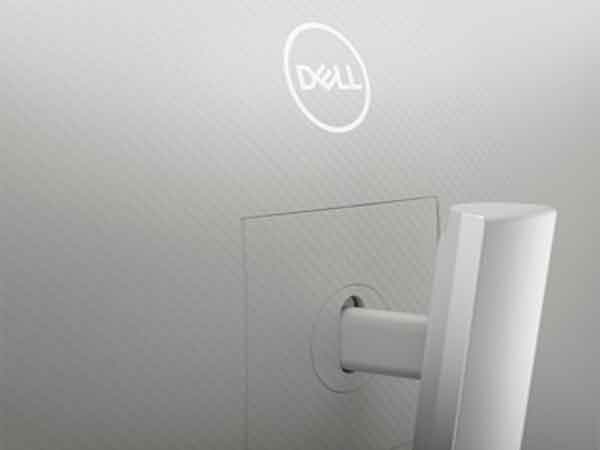
Beautiful look: Modern, elegant design with a subtle textured pattern at the back of the monitor has its own unique look. It brings the feeling of a harmonious blend of great style and quality into every living space.
Seamless switching: Built-in dual HDMI ports keep your devices always plugged in and let you effortlessly switch between streaming and console gaming.
Keep everything in order: Stay organized between applications, emails and windows on one screen using Dell EasyArrange.
More ways to multitask: View multiple types of content from two different PC sources at once with Picture-by-Picture (PBP)--this feature splits the screen into two sides, or Picture-in-Picture (PIP) enables you to watch two images at once, by placing a small window inside the main window.
Seamless switching: Built-in dual HDMI ports keep your devices always plugged in and let you effortlessly switch between streaming and console gaming.
Keep everything in order: Stay organized between applications, emails and windows on one screen using Dell EasyArrange.
More ways to multitask: View multiple types of content from two different PC sources at once with Picture-by-Picture (PBP)--this feature splits the screen into two sides, or Picture-in-Picture (PIP) enables you to watch two images at once, by placing a small window inside the main window.
Adjust to your comfort
Pivot, tilt, swivel and adjust the height of your monitor for a comfortable setup all day long.
Connectivity Options
Ports & Slots
1. Security-lock slot | 2. Power connector | 3. HDMI 2.0 ports | 4. DisplayPort 1.2 | 5. Line-out port | 6. Speakers
Cables Included
1. Power Cable | 2. HDMI Cable
1. Security-lock slot | 2. Power connector | 3. HDMI 2.0 ports | 4. DisplayPort 1.2 | 5. Line-out port | 6. Speakers
Cables Included
1. Power Cable | 2. HDMI Cable