Cart is empty
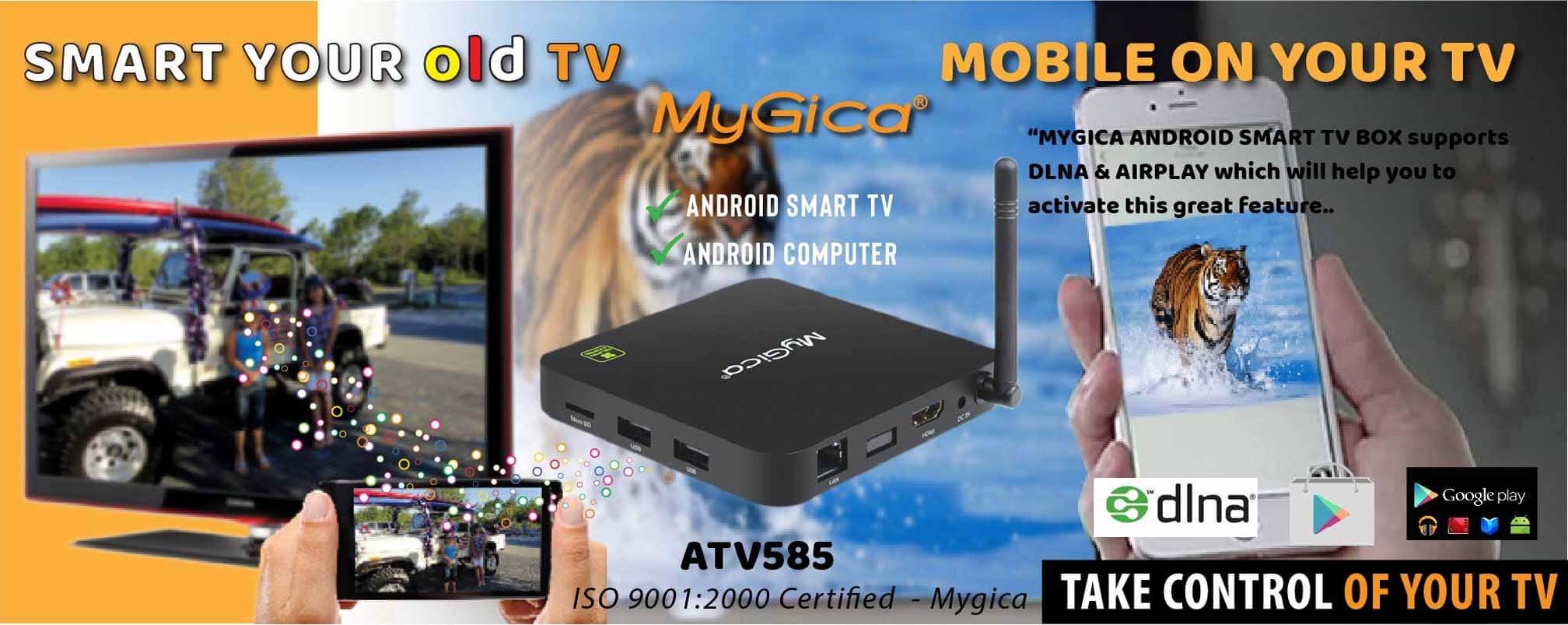
Play Cast videos-photos-music from mobile phone to TV
MyGica Android Smart TV Box supports DLNA (Android) & AIRPLAY (Apple) which will help to activate this unique feature.
Videos, Pictures & Music stored on your mobile phone can be played on your Television
without connecting a cable (wireless). All you need is a common Wi-Fi connection
between the phone and the Android Box.
How to mirror (Cast) Mobile Phone on your Television
STEPS TO FOLLOW
Connect MyGica ATV 585 Android Tv box to your TV through AV or HDMI.
1.) Go to the home screen
2.) Go to Settings
3.) Connect to Wi-Fi
4.) Select more settings
5.) Select Date & time
6.) Select your time zone
7.) Select AirPin (LITE) app
8.) Tick on DLNA DMR (DLNA/UPnP Media/Photo Streaming) for Android Mobile devices Tick on Airplay (iPad/iPhone video/Photo Streaming) for Apple devices Tick on Air Tunes (iPad/iPhone audio Streaming) for Apple devices
9.) Install iMediaShare app on your Mobile ( or any compatible app )
All you have to do is to Select ATV 585 in your iMediaShare app and push your media to Phone
Product details: MyGica ATV 585
MyGica ATV 1800E
MyGica 495