Cart is empty
HOW TO PAIR KR41
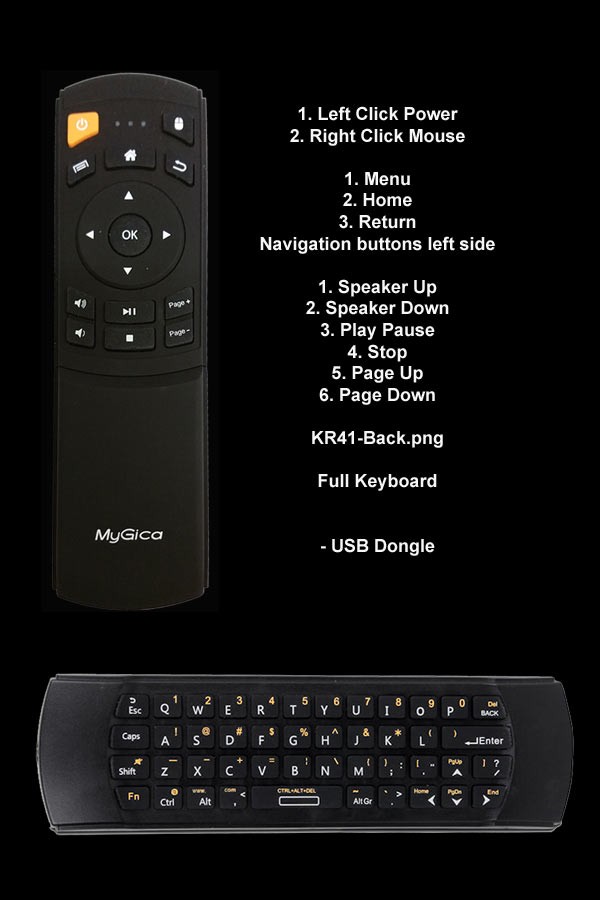
In order to pair your Remote follow these steps
1. Unhook your USB dongle from MyGica Box
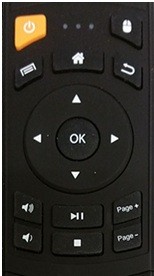
2. Hold down Vol + and Page +
3. Hook up the Dongle to your MyGica Box
4. Keep holding the buttons till the Flashing blue on your remote Stops
That is all now you have successfully paired your KR41